Bank account takeover scams are when someone gets into your bank account, locks you out, and starts moving or stealing your money, often before you notice anything is wrong. The most practical way to protect yourself is a small set of habits—strong unique passwords, real multi‑factor authentication, never acting on urgent messages or calls without checking independently—and a clear first‑hour plan if something feels off.
What an account takeover actually feels like
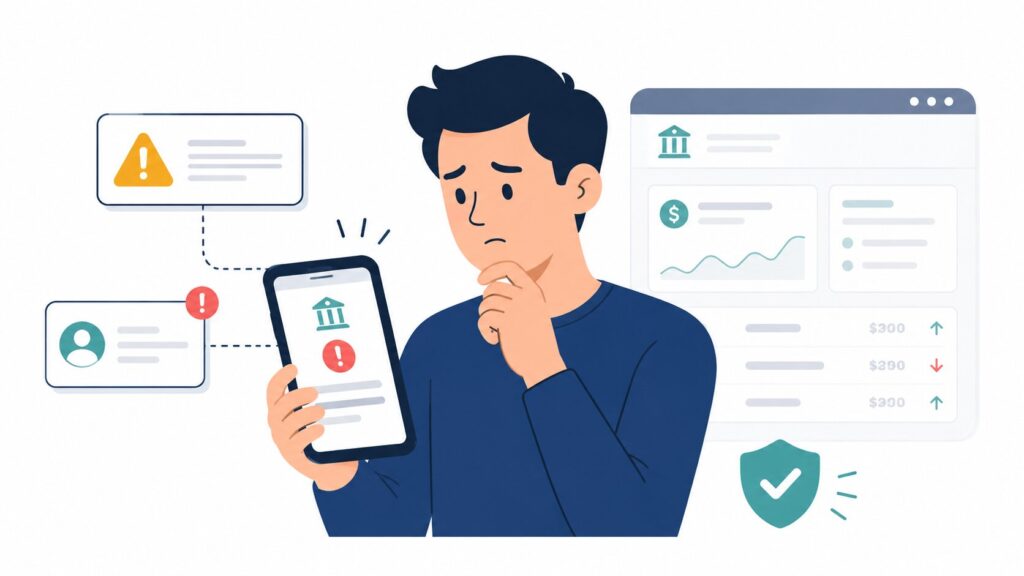
For most people, the first sign is that something “just feels wrong”: you’re suddenly locked out, a familiar password stops working, or you see transfers, new payees, or card charges you don’t recognize. You might get emails or texts about logins from new devices, password changes, or contact detail updates you didn’t make, sometimes followed by messages telling you to click a link to “unlock” your account.
Emotionally, there’s usually a shock moment—panic, embarrassment, and a rush to fix it—that scammers rely on to keep you reacting instead of thinking clearly. Have you ever gotten a bank text that made you hesitate for a second? That hesitation is useful; it’s the gap in which you can choose to verify instead of just tapping.
Step you can take this week: Log into your bank or credit‑card app and review your security and alert settings so you know what messages are normal and what would be unusual.
How these scams typically reach people
Account takeover usually starts on your side of the screen or phone with something that looks routine: a “secure” login page, a fraud alert text, a call claiming to be from your bank, or a password reused on multiple sites that gets exposed in a data breach. Victims typically see realistic branding, familiar logos, and caller IDs or URLs that look almost identical to their bank’s details, because criminals use spoofed phone numbers and look‑alike web addresses to lower your guard.
Other times, malicious software slips onto a device through fake apps or infected downloads and quietly captures keystrokes or login details, again without showing you the attacker’s “tools”—you just experience strange logins and changed settings. These patterns show up across countries and banks: the apps and languages differ, but the basic play is the same—get you to type or say something sensitive, then use it quickly.
Imidiate Steps : Decide that you will never act on a surprise “bank” message without first closing it and going to your bank’s official app or a bookmarked website you already trust.
Warning signs that matter more than the others
Some signals are strong enough that you should treat them as “live alerts,” not background noise.
- Login or “new device” alerts you didn’t trigger, especially from locations or devices you don’t recognize.
- Password‑reset emails, texts, or one‑time codes you didn’t request, or MFA prompts popping up when you’re not logging in.
- Being locked out suddenly, or your usual password no longer working for no obvious reason.
- Emails saying your phone number, email, or mailing address was changed on the account without your knowledge.
- New payees, payment methods, or transfers you don’t recognize, even for small amounts or “test” transactions.
- A caller or texter who already knows some of your details (last four digits of an account, your address, a recent transaction) and pushes you to “verify” the rest or read out an access code.
- Requests to move money to a “safe” or “shadow” account, or to stay on the line and not check anything independently while they “fix” a problem.
Individually, some of these can happen for innocent reasons, but two or three together—especially unexpected MFA codes plus contact‑detail changes and unrecognized transfers—are high‑confidence signs of an account takeover in progress.
Step you can take this week: Turn on login, password‑change, and transaction alerts anywhere your bank or card offers them, so these warning signs reach you quickly.
Prevention habits that actually reduce risk
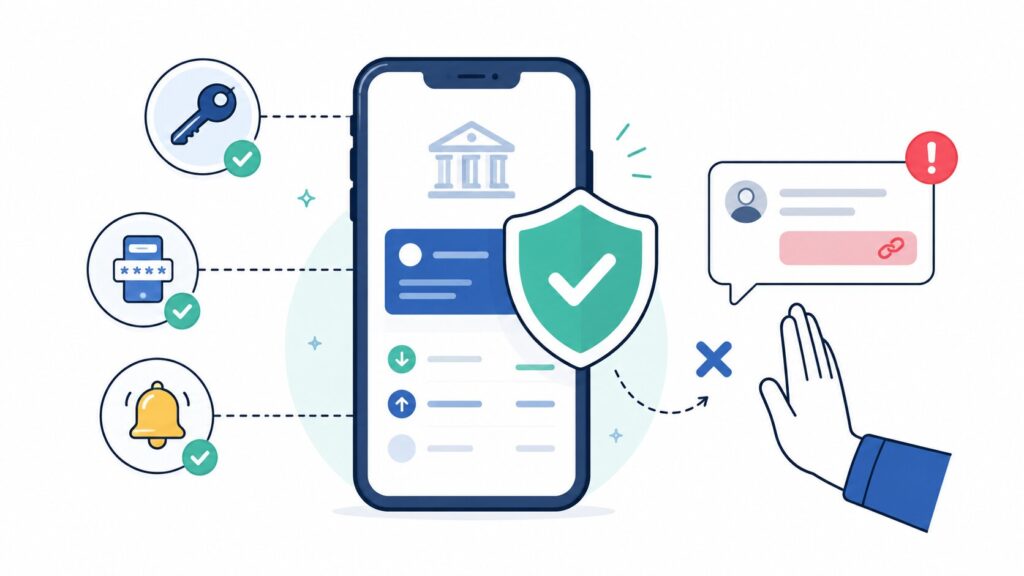
You can’t control every data breach or scam text, but a few habits block most takeover attempts.
- Use unique, strong passwords and a password manager. Reusing the same password across multiple sites makes “credential stuffing”—trying your known password on banking or wallet accounts—much easier for criminals. A reputable password manager can generate and store long, random passwords so you don’t have to remember them.
- Turn on multi‑factor authentication (MFA)—preferably not just SMS. Extra verification like an authenticator app, hardware key, or biometrics (fingerprint, face) means that even if someone has your password, they still can’t log in easily. Where possible, choose app‑based or hardware‑based codes over simple text messages, which are more vulnerable to interception.
- Never enter credentials or codes from a link in a message. If an email or text says “click here to log in,” ignore the link; open your bank app directly or type a known address. This one habit cancels out a huge number of fake login pages and phishing sites worldwide.
- Set a family rule about codes and “safe” accounts. Agree that no bank employee will ever need you to move money to a new account to “protect” it, and no one will ever ask you to read out a one‑time access code sent to your phone. If someone asks for either, the answer is automatically no, and you end the conversation and call your bank yourself.
- Be extra cautious on shared or public devices and networks. Avoid logging into financial accounts on public computers or unsecured Wi‑Fi; if you must, use a VPN and log out fully. Keep your own devices updated and use reputable antivirus or security tools to reduce the chance of silent malware capturing your logins.
Step you can take this week: Install a password manager, make your main banking password unique and strong, and enable MFA on every financial or payment account you use.
What to do in the first hours if you suspect a takeover
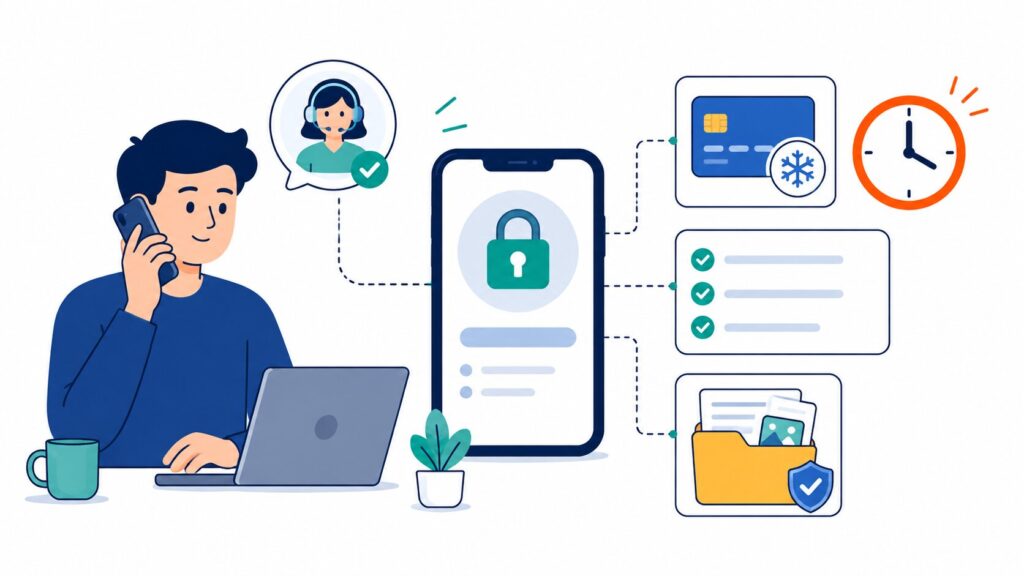
If something feels off, act as if it’s real until you’re sure it isn’t—the first 24 hours matter a lot for limiting damage and getting money back.
- Contact your bank using a number or app you already trust. Don’t call back the number in the suspicious text or email; instead, use the number on the back of your card, the official app, or the bank’s verified website. Tell them you suspect your account has been compromised and ask them to lock or freeze the account if possible.
- Freeze cards and transfers if your bank offers that instantly. Many banks let you temporarily lock your debit or credit card and sometimes even halt outgoing transfers or wires through the app. Use those tools while you and the bank investigate.
- Change passwords from a clean device. If you suspect the device itself might be infected, use a different, trusted device to change your email and banking passwords and to review account activity. Prioritize any other accounts that use the same email or password, including wallets and shopping sites.
- Review and document what happened. Note dates, times, messages, email subjects, amounts moved, and any phone numbers or URLs you interacted with. This record will help the bank, law‑enforcement agencies, and—if needed—credit bureaus understand and respond to the fraud.
- Do not send more money “to fix” the problem. Fraudsters often pivot from stealing to “helping”—asking you to move funds somewhere “safe” or pay fees to recover money. Legitimate banks do not require you to move money to shadow accounts or pay upfront to investigate fraud.
Save your bank’s official customer‑service number in your phone under a clear name so you can call it quickly if anything ever feels wrong.
After the immediate crisis
Once you’ve stopped the immediate damage, there’s a second phase focused on restoring access and cleaning up any fallout.
- Work with your bank on disputed transactions and access. Banks have formal fraud and dispute processes and will guide you through submitting claims and evidence. They may issue new cards or account numbers, reset secure settings, and monitor for additional suspicious activity.
- Consider credit freezes or fraud alerts if identity details were exposed. If personal information such as national ID numbers, Social Security numbers, or detailed profiles were compromised, placing a fraud alert or credit freeze with credit bureaus can help prevent new accounts being opened in your name. This advice applies globally, though the specific bureaus differ by country.
- Talk to family members so the same attempt isn’t repeated on them. Scammers often reuse scripts and target people close to a victim, especially older relatives, by pretending to “follow up” on the original case. Sharing what happened—and the rules you’re using now—turns a bad experience into protection for them.
Because investigations and refunds can take time, it’s normal for recovery to feel slow; banks and law enforcement agencies may need days or weeks to fully review the case, especially if money moved through multiple accounts. Keeping organized notes and responding promptly to any legitimate requests for information can help keep things moving.
Living with this without constant panic
You don’t need to stop using online or mobile banking; you just need a few default habits that make you a hard target. Think of this less as “fearing scams” and more as “protecting control of your accounts and helping the people you care about do the same.”
Three simple rules you can repeat to family:
- “If it’s urgent and about money, we never act from the message—we always verify using a number we already trust.”
- “No one from the bank will ever need our passwords, PINs, or one‑time codes.”
- “We will never move money to a ‘safe’ account just because someone on the phone or in a message tells us to.”
For older relatives or less tech‑comfortable people, focus on simple choices: hang up and call back on the number printed on their card; let a trusted family member check any suspicious message; and treat any request for codes or full card numbers as an automatic red flag. The goal is confidence, not fear—online banking, used with these habits, is still safer than carrying large amounts of cash or ignoring account activity.
Step you can take this week: Write these three rules on a piece of paper or in a family group chat and talk them through with at least one relative who might be targeted by phone scams.
FAQs
How do they even get into someone’s bank account if I never gave them my password?
Often, the password or login is already out there from another site’s data breach, and the criminal simply tries it on bank or payment accounts. Other times, they get in through convincing emails, calls, or fake websites where people believe they’re logging in or verifying details for their bank. Malware on a device can also quietly collect passwords without you “giving” them in an obvious way.
The text looked exactly like my bank — how am I supposed to tell it’s fake?
Scammers deliberately copy logos, language, and even real phone numbers so their messages feel familiar. The safest approach is not to rely on the look of a message at all; instead, treat any unexpected text or email as untrusted and go to your bank’s app or known website directly to check whether anything is wrong. If the message asks you to click a link or share a code, that’s a strong sign it’s not your bank.
If they already changed my phone number or email on the account, what do I do?
Contact your bank immediately using a verified number and explain that your recovery details may have been changed by someone else. Banks can lock the account, walk you through identity verification using other methods, and restore correct contact information. Acting quickly is crucial, because changed contact details make it harder for the bank to reach you about ongoing fraud.
Will the bank give me my money back if this happens?
Many banks have fraud‑protection policies and may refund unauthorized transactions, especially when you report them promptly and did not knowingly authorize the payments. The exact outcome depends on local laws, bank terms, and how the fraud occurred, so it’s important to cooperate fully with their investigation and provide documentation. Even when full refunds aren’t possible, early reporting often limits losses and prevents further damage.
Is turning on two‑factor authentication enough or do I need to do more?
Two‑factor or multi‑factor authentication is one of the strongest defenses you can turn on, especially when it uses an app, hardware key, or biometrics. But it works best alongside unique passwords, careful handling of messages and links, and strong device security. Think of MFA as a critical layer, not the only layer.
Should I stop using the mobile app because it feels riskier?
For most people, a verified mobile banking app from an official app store is safer than logging in through random links in emails or search results. The real risk comes from how you reach your bank (through messages or unknown sites) and how you handle codes and calls, not from the existence of the app itself. Keep the app updated, secure your phone with a PIN or biometric lock, and avoid installing questionable apps on the same device.
What do I tell my parents so they don’t fall for a call that sounds official?
Give them very simple rules: never share full card numbers, PINs, one‑time codes, or passwords over the phone; hang up and call the number printed on their card or bank statement if someone claims to be from the bank; and ask you or another trusted person to look at any worrying message. Emphasize that real banks don’t need codes sent to their phone and don’t ask them to move money to new “safe” accounts. Reassure them that it’s okay to be cautious and to hang up on anyone who pressures them.
Does this work the same way if my bank is outside the United States?
Yes—the core patterns of account takeover are similar worldwide, even though regulators, banks, and apps differ. Fraudsters still use fake messages, spoofed numbers, reused passwords, and social‑engineering calls to get access, and the same prevention habits—unique passwords, MFA, independent verification, and quick reporting—help in most countries. The main differences are in the exact refund rules and which authorities you report to, so it’s worth checking your own bank’s local guidance.